Marketing services
Get help with social content, Google and Yelp business profiles, and local promotions. These services are offered separately from the software’s loyalty tools.
* Marketing services are quoted separately.

SOLUTIONS
Yammii began with full-service restaurants. Through ongoing conversations with merchants, we learned that different businesses have different needs—even when taking orders and payments.
Restaurants serving larger parties need flexible bill splitting. Tea shops focus on sizes, sweetness, ice, and add-ons, and on letting guests choose and order for themselves.
These everyday needs have shaped Yammii. We want the system to fit the way you work, rather than make you change your workflow to fit the system.
Explore a few common settings to see how these features fit everyday operations.
01 / Cafés & Tea Shops
Let guests order their way, with loyalty and offers that keep them coming back.

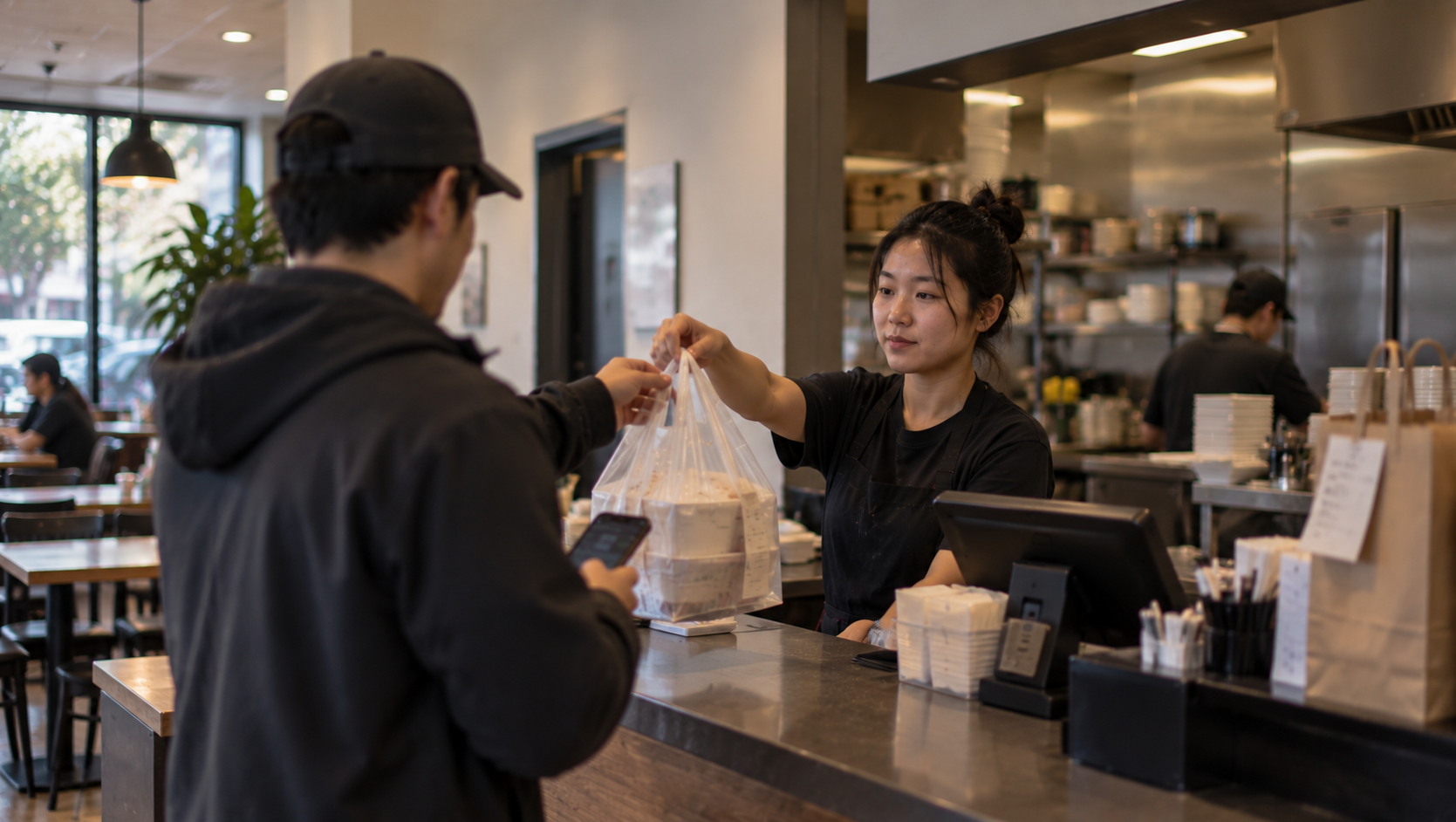
02 / Quick Service & Takeout
Connect every step of a busy service, from online orders to the kitchen.
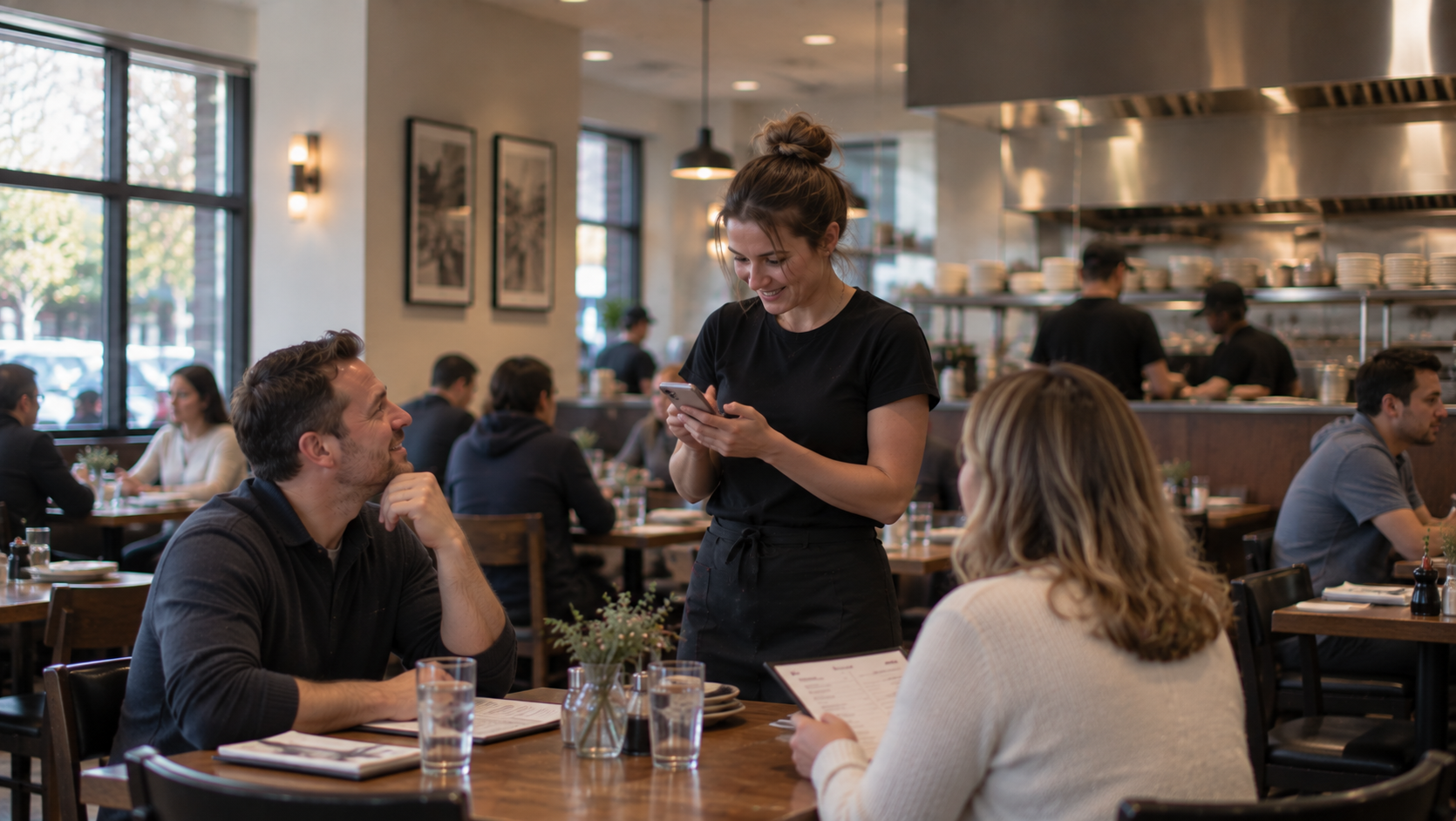
03 / Full-Service Restaurants
Take care of every table with a connected POS workflow, from arrival to checkout.
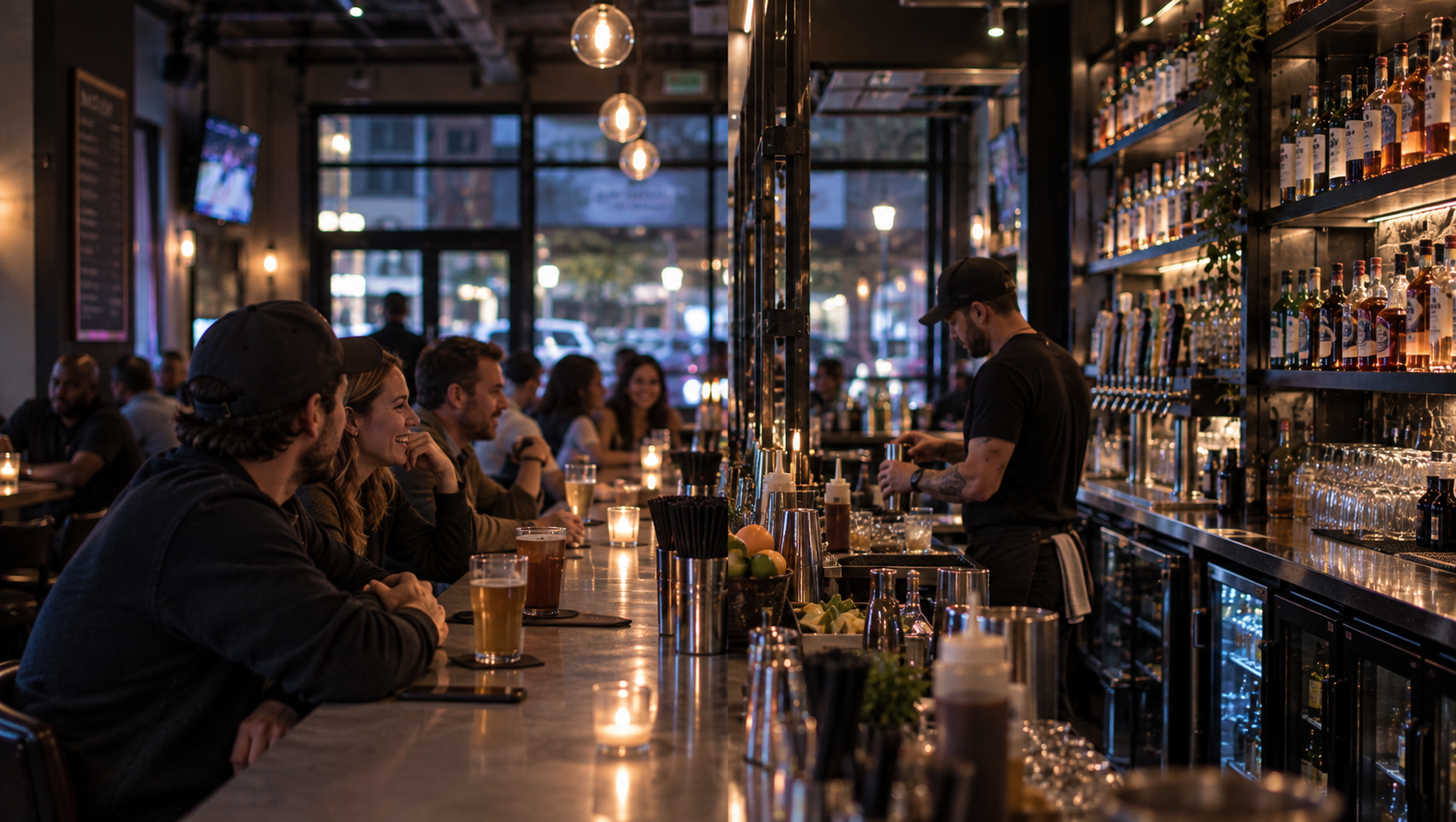
04 / Bars & Pubs
Keep service moving, from opening a tab and adding a round to splitting the bill.
05 / Lightweight Setups
Handle core operations on iPhone, with printing added when you need it.

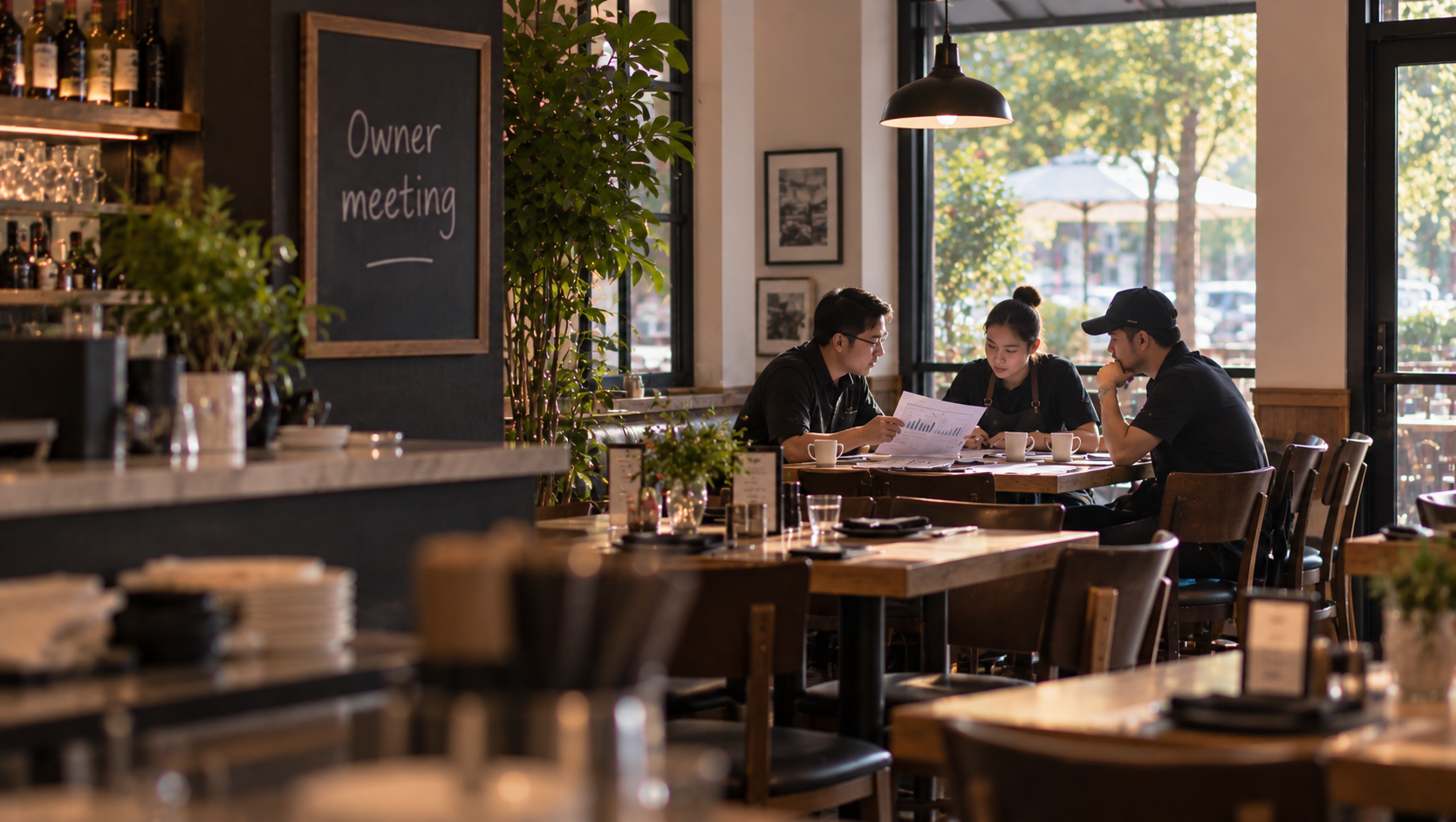
06 / Multi-Location Businesses
Keep track of everyday operations through staff, permissions, and business reports.
INSIDE YAMMII
These settings are examples, not fixed ways to use Yammii. Full-service restaurants also take delivery orders; tea shops also manage inventory, review sales, and build loyalty.
From ordering and kitchen preparation to checkout, management, and guest relationships, Yammii connects related tasks so you can choose the devices, setup, and workflow that fit your business.
Here is how those everyday tasks come together in Yammii.
* Images have been edited to protect privacy.
01 / Orders & Service
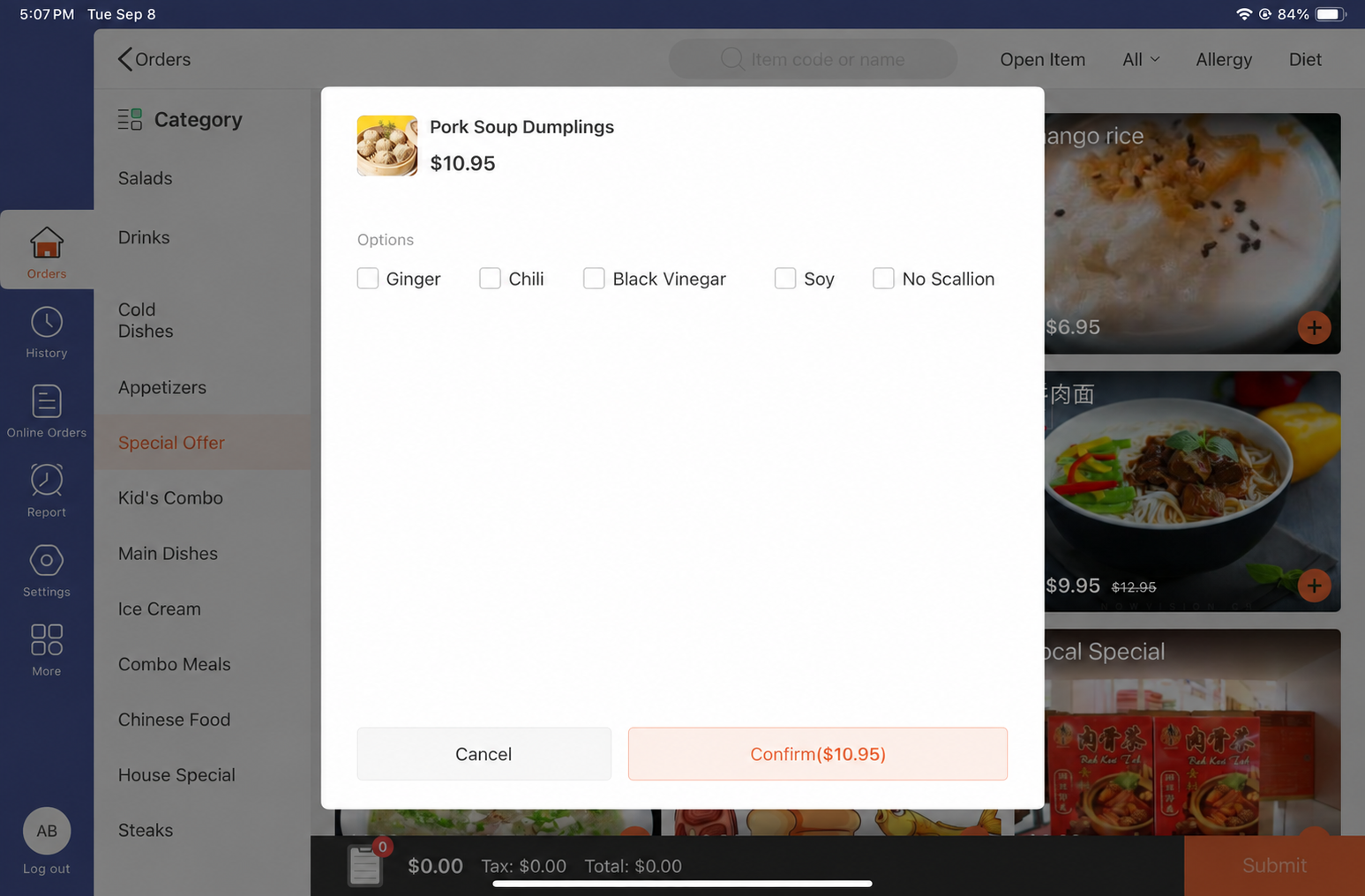
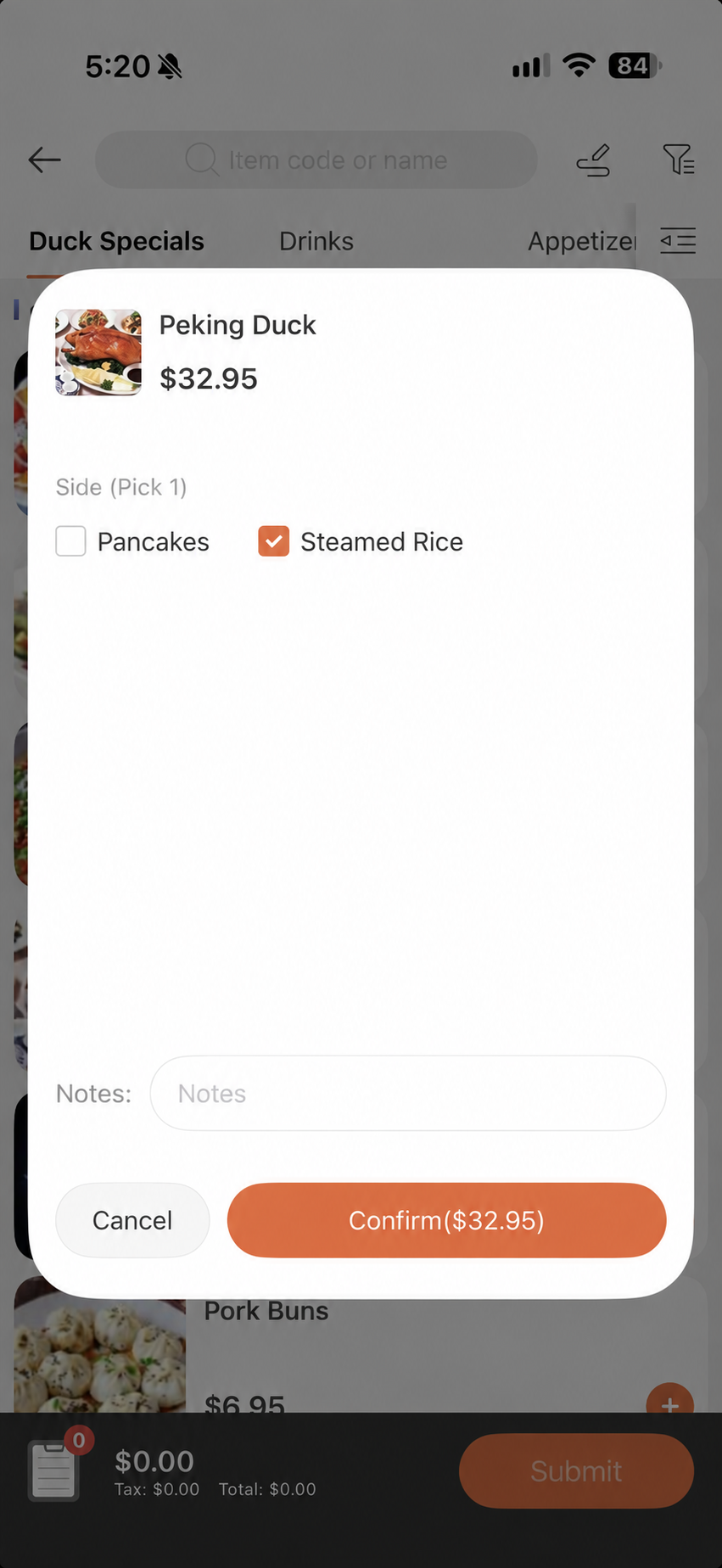
Handle tables, orders, and additional items on a familiar iPad or iPhone. Capture sizes, preferences, and add-ons as part of the order.
02 / Self-Service & Online
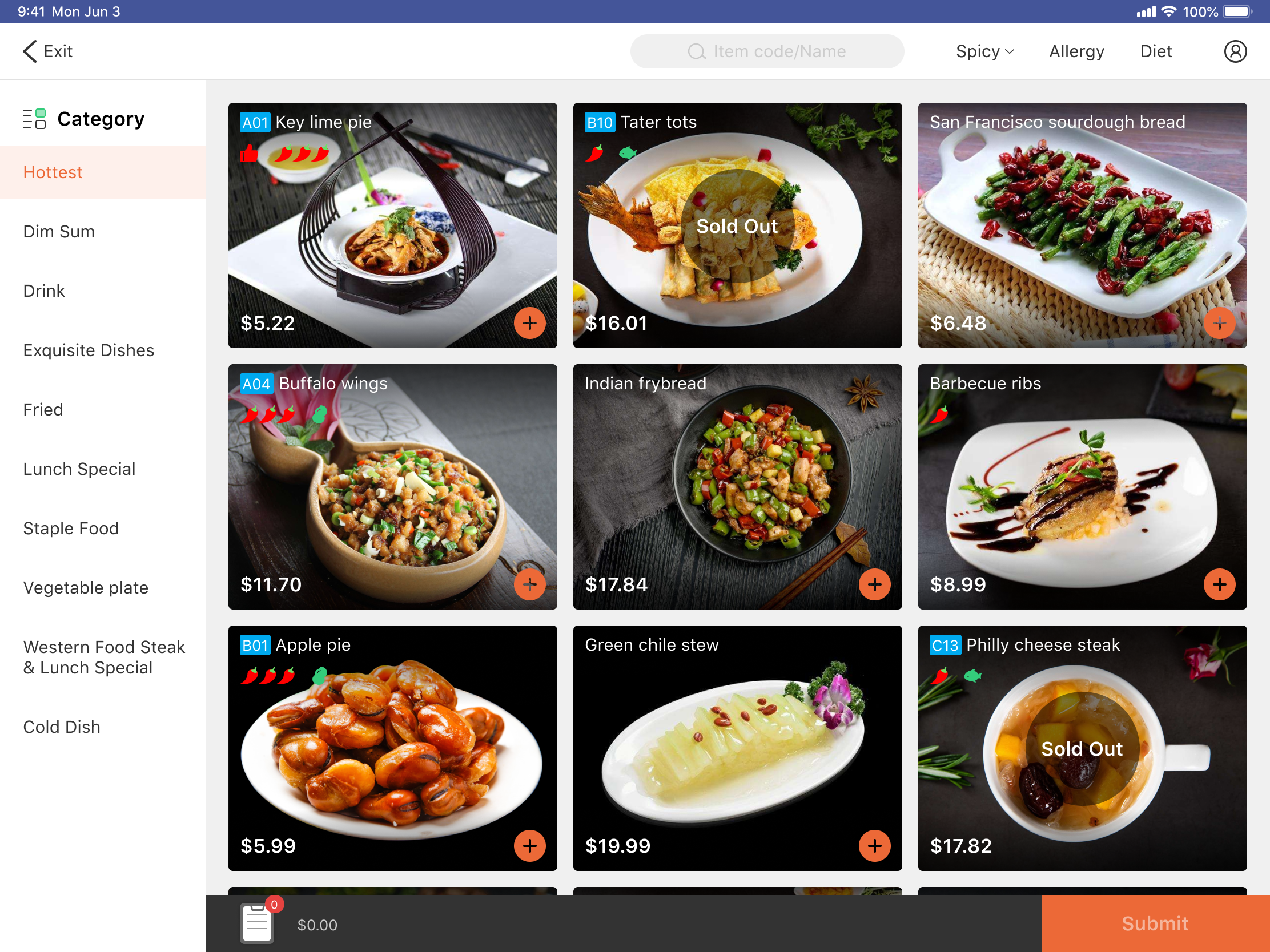
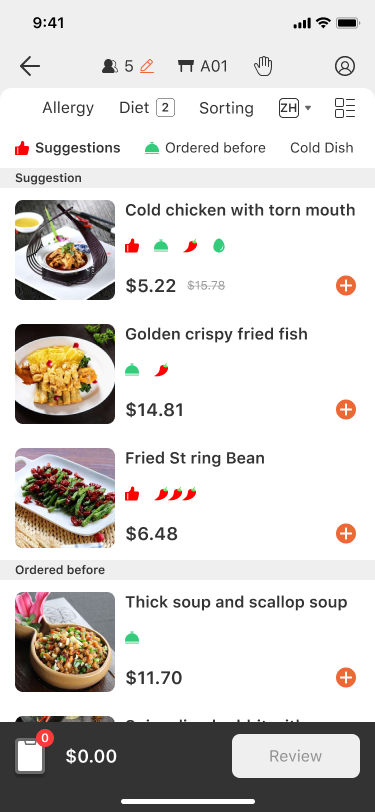
Guests can browse and order through an iPad kiosk, a QR code, or an online menu. Supported delivery integrations bring platform orders into the POS.
* Contact us to confirm third-party availability, setup, and fees.
03 / Kitchen & Fulfillment
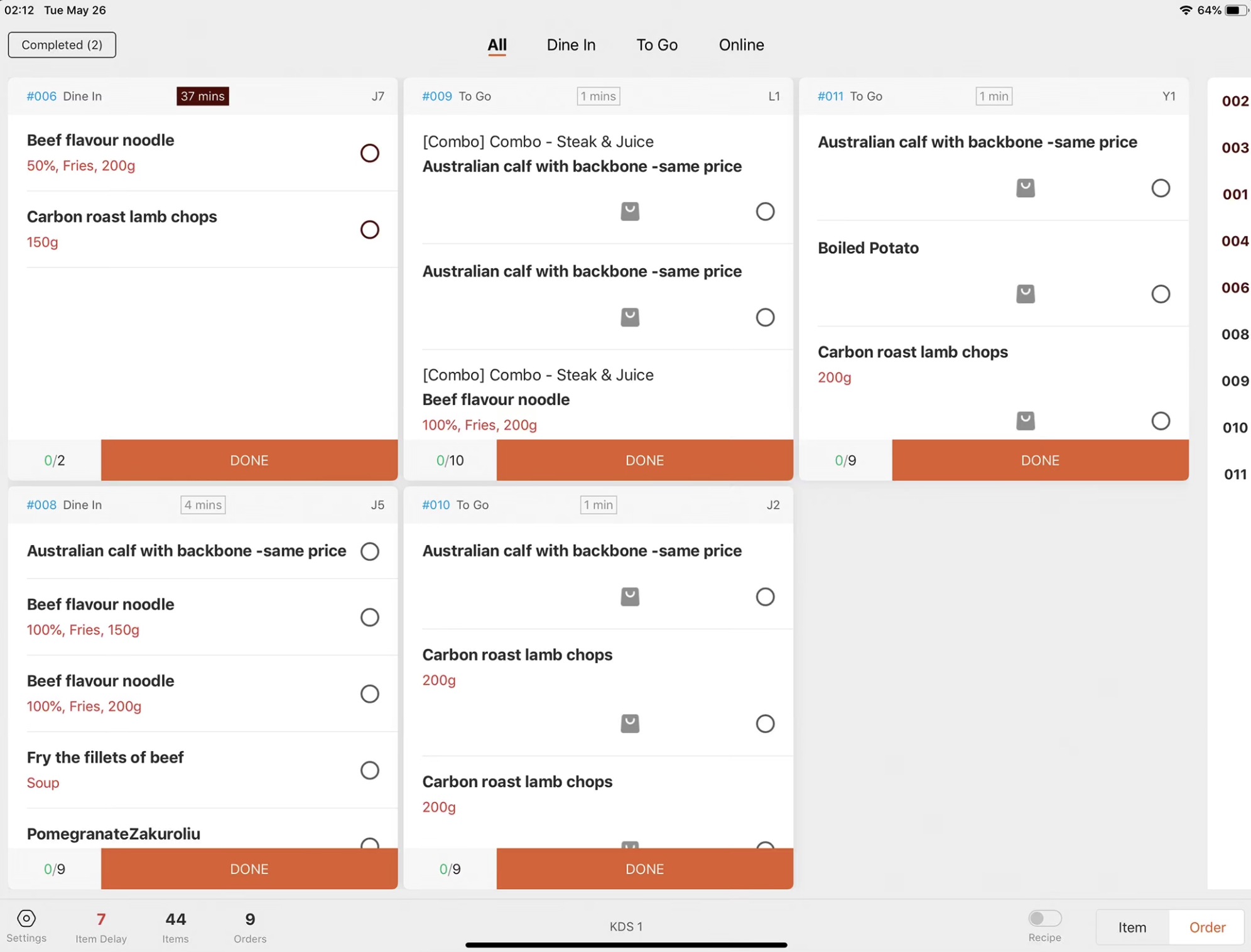
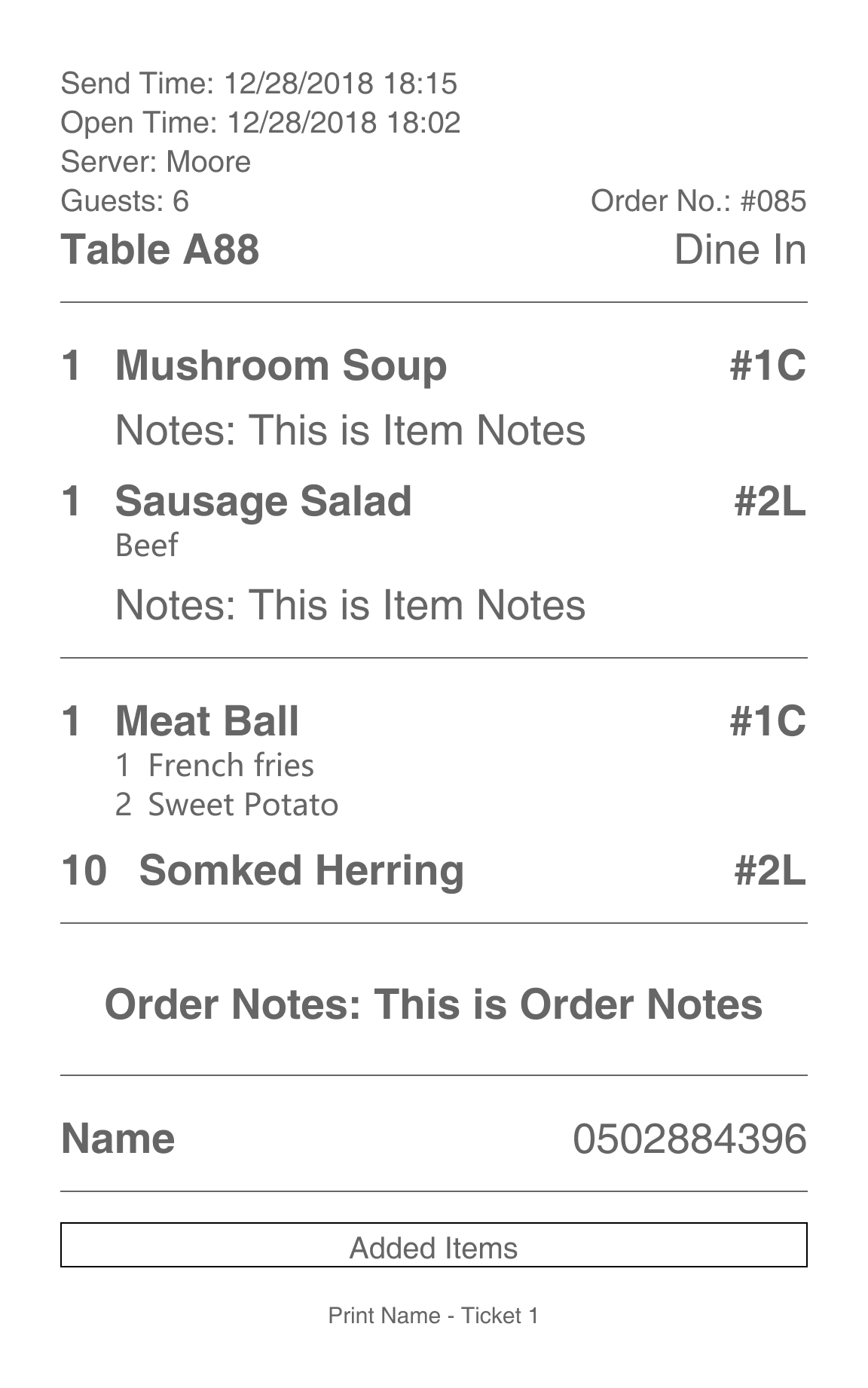
Choose the approach that fits your kitchen: view orders, preparation status, and timing alerts on KDS, or route kitchen tickets to the appropriate stations using printing rules. Coordinate preparation, handoff, and pickup.
04 / Payments & Checkout
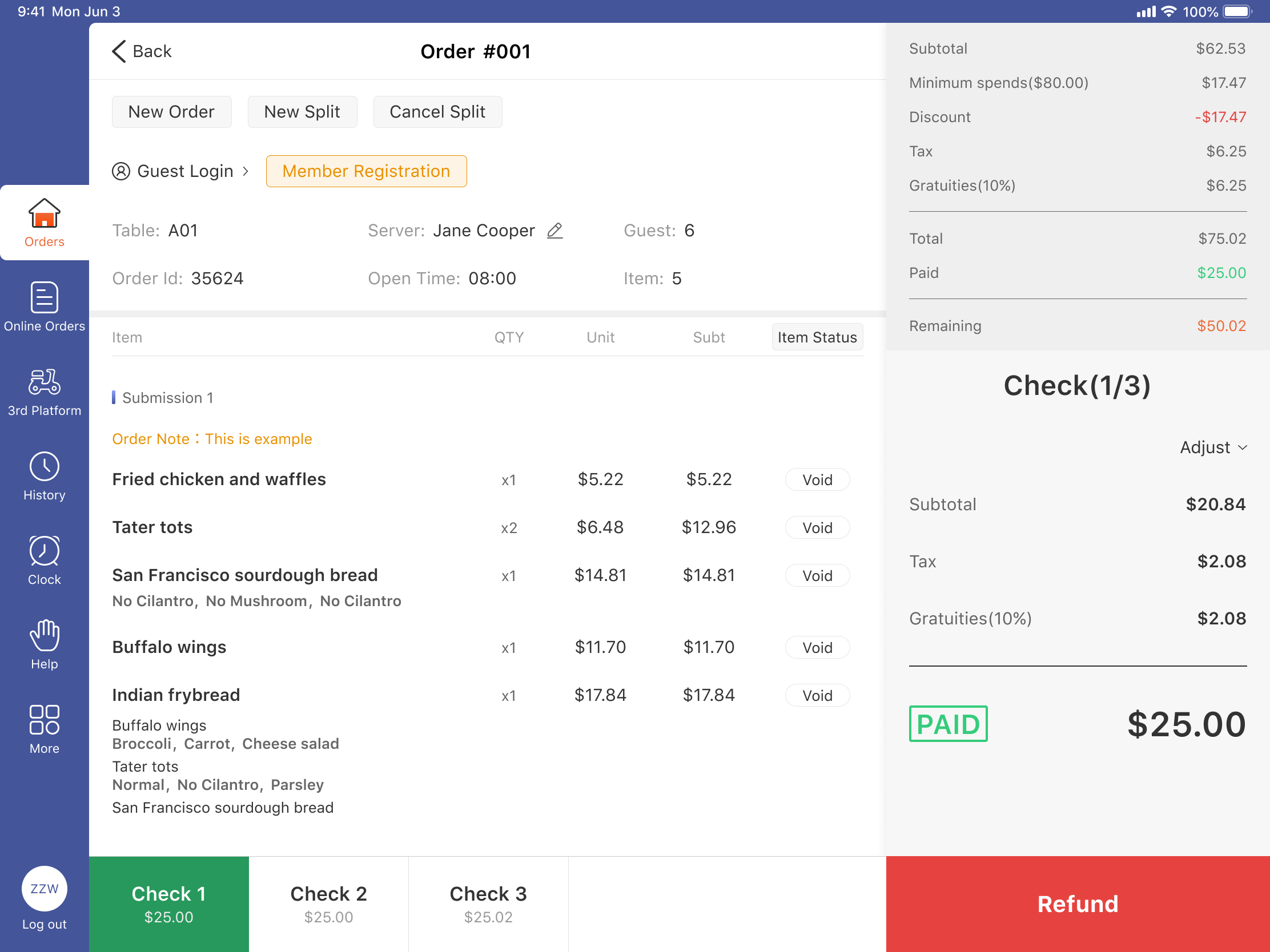
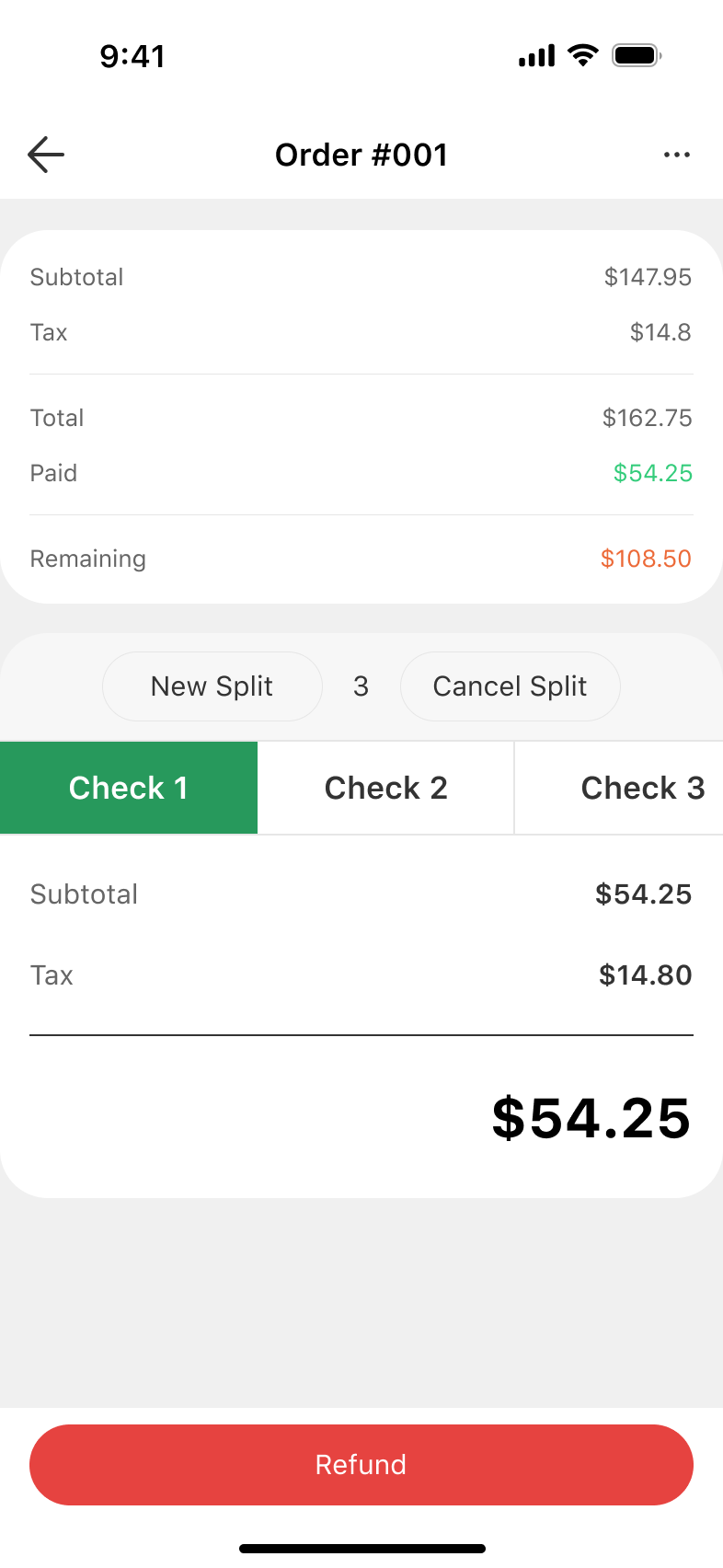
Split bills by item, seat, or amount, or combine orders. Complete payment and provide receipts using the options configured for your business.
* Payment options depend on your provider and hardware. Printing requires compatible equipment.
05 / Backoffice & Reports
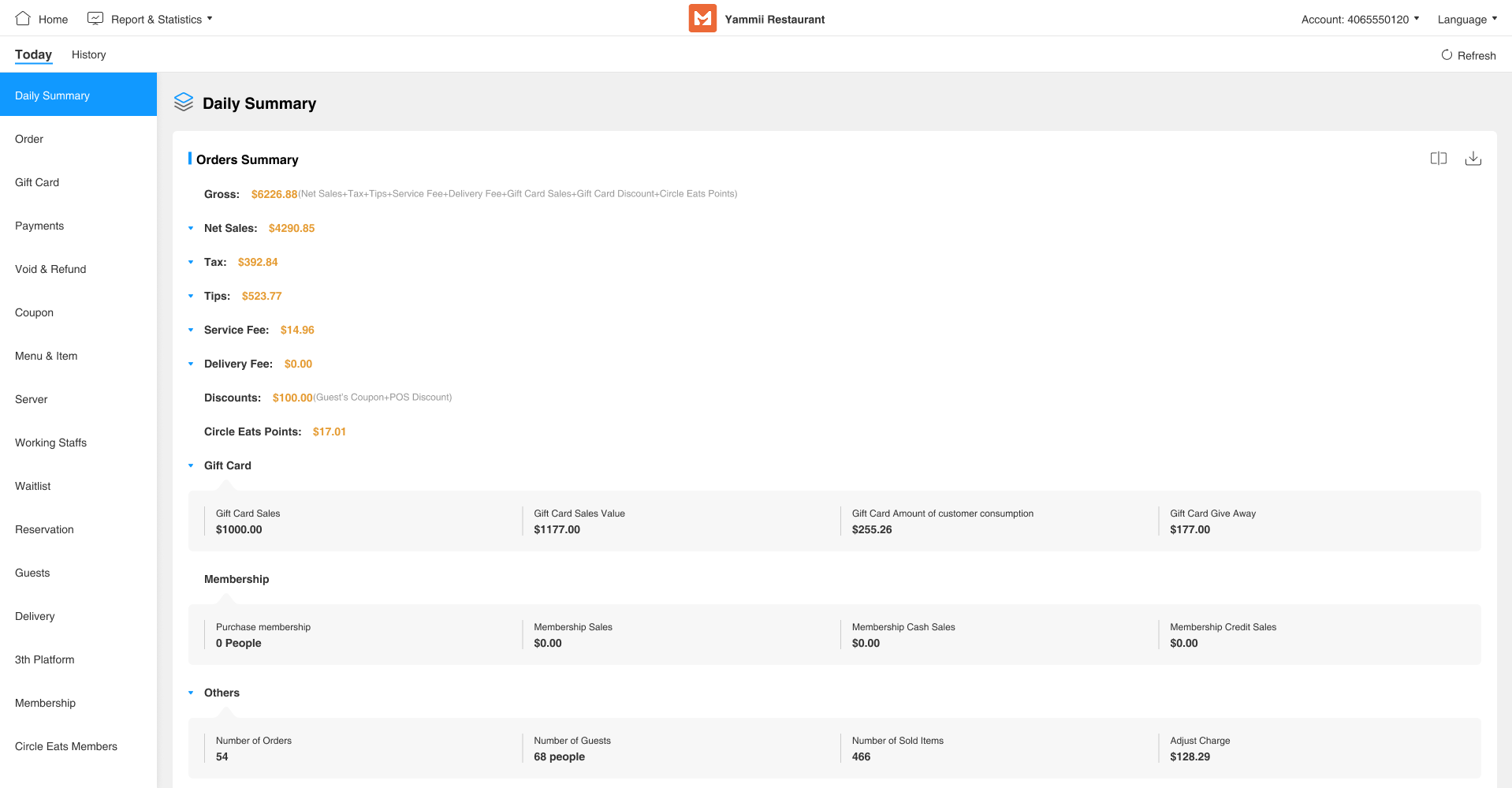
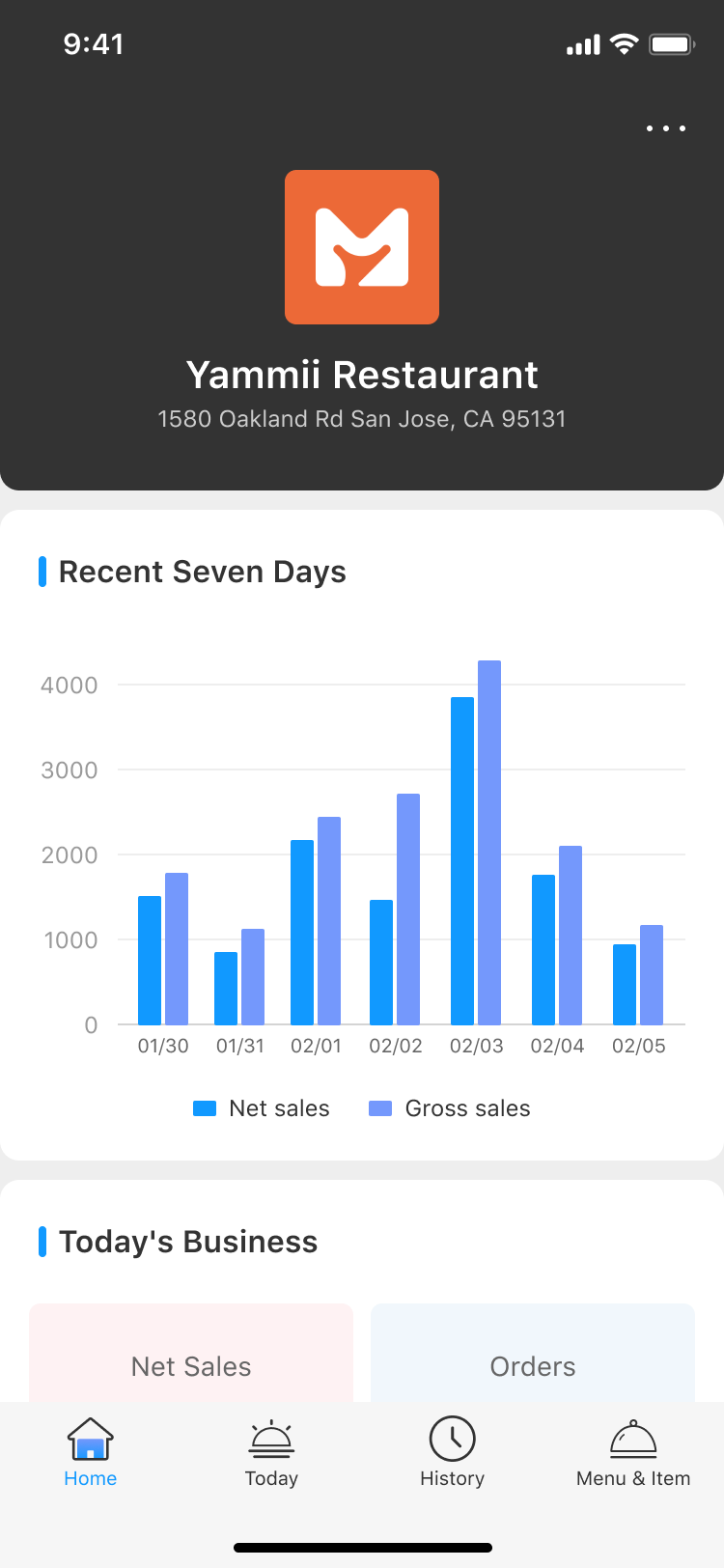
Manage menus, staff permissions, and inventory in Backoffice. Review sales and order reports, and check sales reporting on iPhone when away from the restaurant.
06 / Loyalty & Messaging
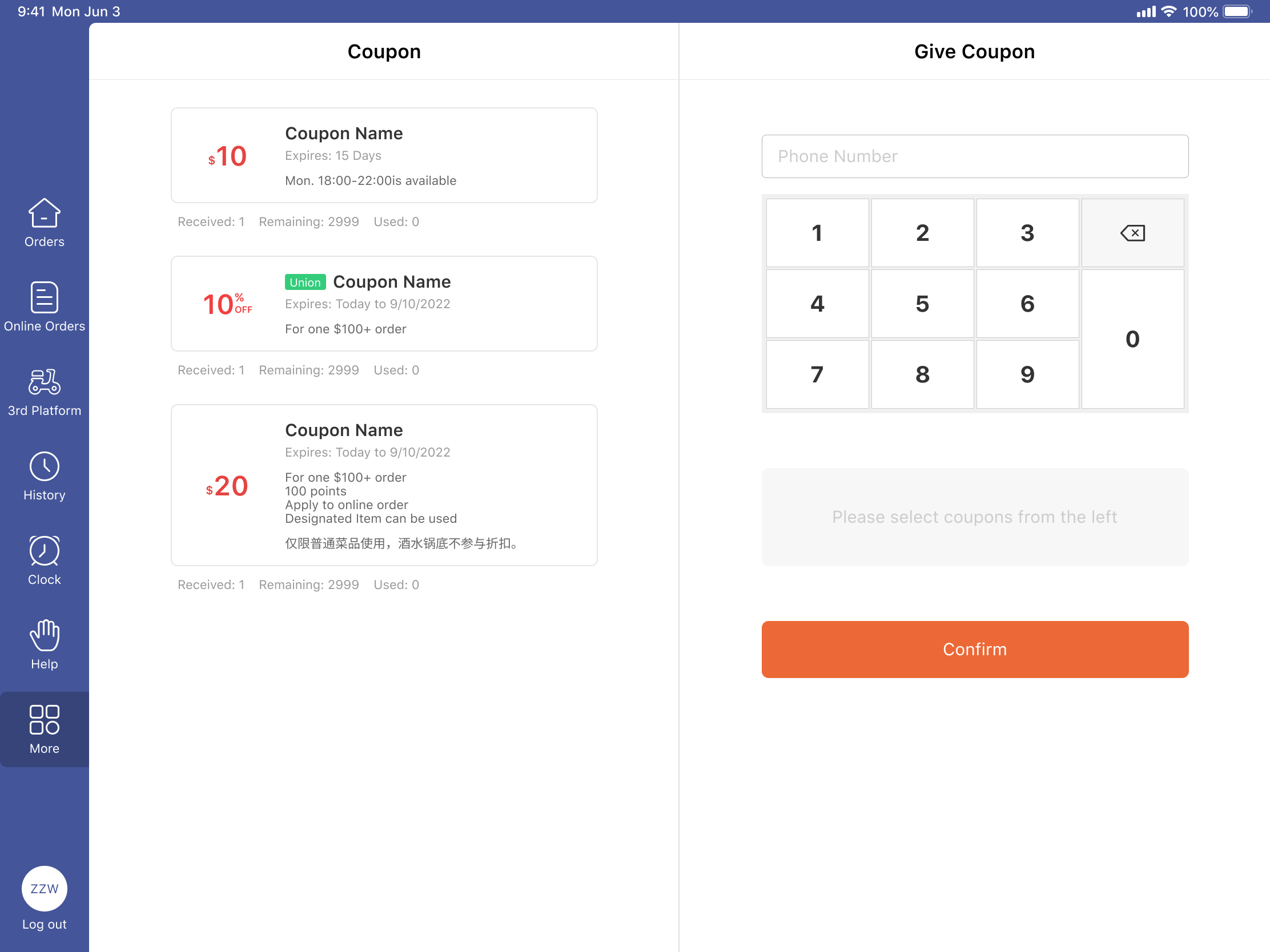
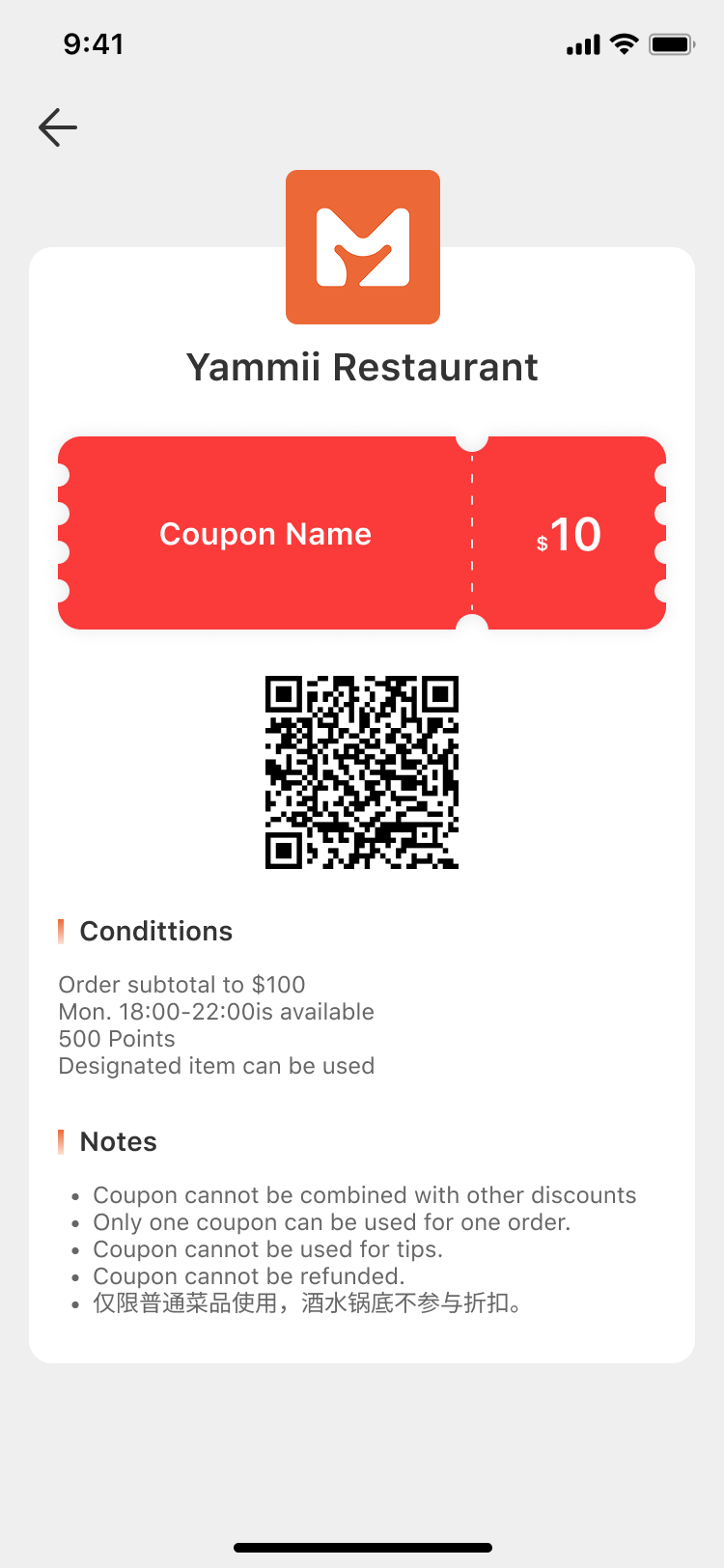
Support return visits with loyalty points, coupons, and gift cards. Guests can claim and use offers on their phones, with text notifications to stay connected beyond checkout.
* Messaging is usage-based.
BEYOND THE SOFTWARE
Get help with social content, Google and Yelp business profiles, and local promotions. These services are offered separately from the software’s loyalty tools.
* Marketing services are quoted separately.
Get help with hardware compatibility, configuration, training, and launch, plus human support for everyday questions about using and configuring your system.
* 24/7 human support.